A 360 tour

Our sample tour · our own capture
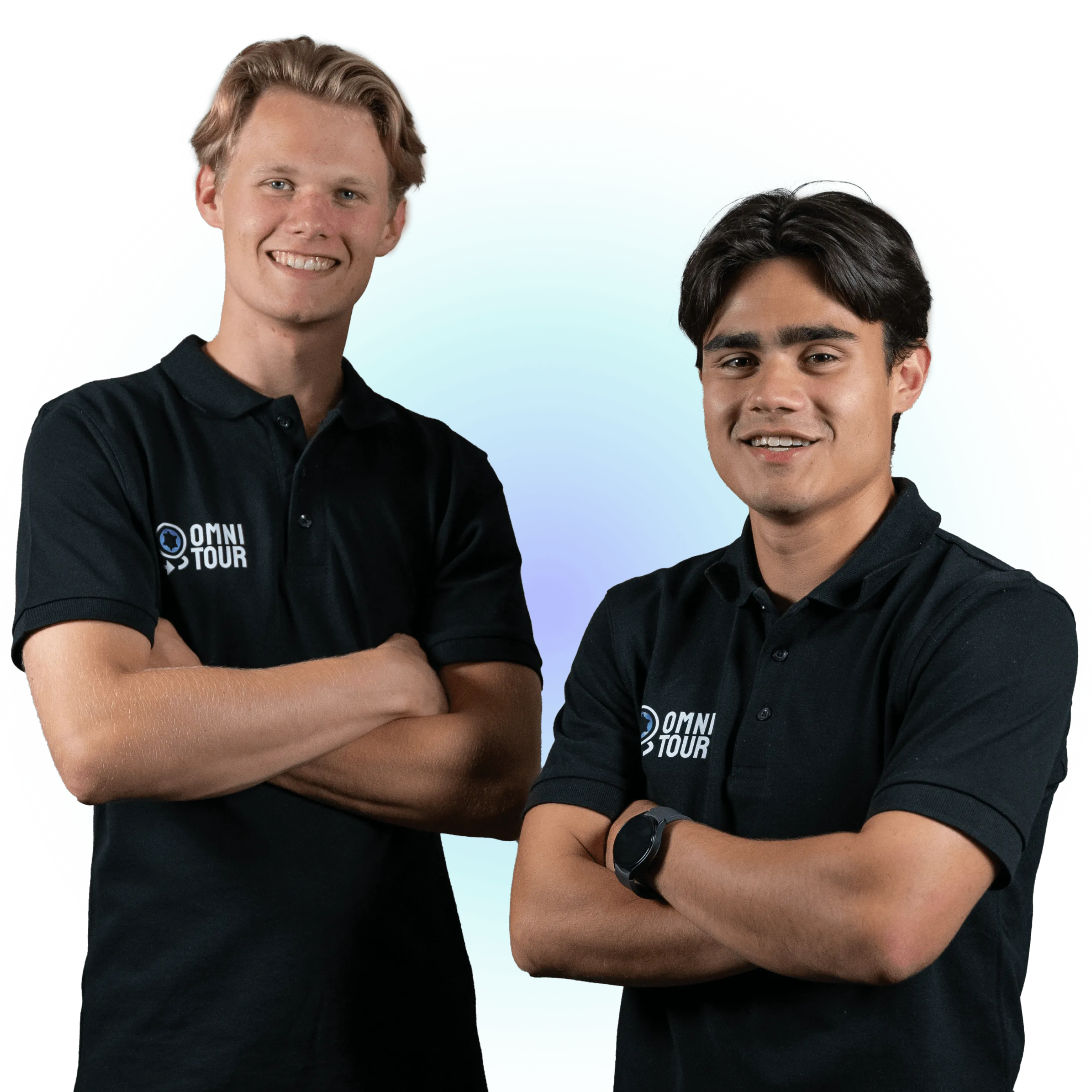
Sander photographs everything around you, from the ground and from the air. Then you walk through it yourself.
- 20,000+ px
- 1 day on location
- Within 4 weeks live
How a 360 tour works


Try it yourself
Our sample tour · our own capture

Drag to look around, zoom in right down to the detail.
Open in a new tab What's inside
Our sample tour · our own capture


Also possible
- Zoom in on detail (opens in a new tab)
- Sound per direction (opens in a new tab)
- Google Maps and Street View
- Multilingual
- Audio guide
- Statistics
- QR code
- In a VR headset
- Faces blurred
Everything a tour can include (43)
Images & photography
- 360° photography, over 20,000 pixels wide
- Razor-sharp panoramas of every room, captured robotically. See it (opens in a new tab)
- Image post-processing
- Optimal colour, light and sharpness in every shot. See it (opens in a new tab)
- 360° drone photos
- A spectacular overview of your location from the air. See it (opens in a new tab)
- VR delivery
- Experience the tour in virtual reality, including support with the set-up.
- Royalty-free business photos
- Professional photos of your location that you are free to use on your site and socials.
Interaction in the tour
- Interactive hotspots
- Information points with text, photos or video, exactly where needed. See it (opens in a new tab)
- Realistic embedded media
- Videos, photos and PDFs that genuinely appear to be part of the room, like a film playing on a TV. See it (opens in a new tab)
- Embedded HTML content
- Interactive maps, forms or reservations directly in the tour, so visitors can take action straight away. See it (opens in a new tab)
- Photo & video points
- Bring details and atmosphere to life with dynamic imagery. See it (opens in a new tab)
- Photo gallery hotspots
- Several images behind a single point, to browse through. See it (opens in a new tab)
- Embedded presenters
- We film a person separately and work them into the tour, as if he or she were really standing there.
- Recorded audio guide
- A spoken explanation per room, started by the visitor.
- Ambient sounds
- Subtle background sound per room for extra atmosphere. See it (opens in a new tab)
- Background music (on/off)
- Atmospheric music throughout the tour, with a button to mute it.
- Before/after slider
- Drag within a single image between two situations, for example before and after a renovation. See it (opens in a new tab)
Navigation & orientation
- "You are here" markers
- Your live position on the floor plan while you look around. See it (opens in a new tab)
- Mini compass
- A north indicator that turns with your viewing direction.
- Floor switcher
- Switch easily between multiple floors. See it (opens in a new tab)
Experience & controls
- Tour in your own house style
- Menu, buttons and colours fully in your brand. See it (opens in a new tab)
- Automatic guided tour
- The tour plays itself along the highlights, for anyone who would rather watch than drag, and for a screen on site. See it (opens in a new tab)
- Motion control on mobile
- Look around by moving your phone, thanks to the gyroscope. See it
- Before/after or day/night view
- Switch between two situations within a single viewpoint. See it
- Seasonal or variant view
- Show the same room furnished/empty or per season. See it
- Multilingual tour
- A language switcher in the tour for an international audience.
- Multiple locations in one tour
- Link branches together under one overarching tour.
- Subtitles
- Subtitles for voice-overs, the audio guide and videos.
- Accessible controls
- Full keyboard control and smooth touch operation. See it
Conversion & contact
- Call-to-action buttons
- Call, email, get directions or request a quote directly from the tour. See it (opens in a new tab)
- WhatsApp or chat button
- Let visitors ask a question straight away.
- Downloadable brochure or price list
- Menu, brochure or price list as a download hotspot. See it
- Product points to your web shop
- Click through from a product in the room to your web shop. See it
- Calendar or booking integration
- Schedule an appointment or a guided visit without leaving the tour. See it
Reach & marketing
- Shareable direct links
- Link straight to a specific viewpoint. See it (opens in a new tab)
- QR code for print & premises
- Open the tour from a poster, card or shop window.
- Tour statistics
- Insight into visits and popular viewpoints.
Privacy & GDPR
- Face & number plate blurring
- GDPR compliant: recognisable people and number plates made unrecognisable.
Publishing
- Web integration (embed)
- On any site, from WordPress to fully bespoke. See it
- Google Maps & Street View
- Link your tour to Google and be found more easily.
Hosting
- Hosting by Omnitour
- We host every tour ourselves, without a platform subscription.


Welcome to our village
Our sample tour · our own capture

360 from the ground and from the air.
Open full screen Honestly
- One day on location, two for a really large location.
- The tour shows your business as it was on the day we shot it.
- It runs on our hosting. You get the link for your site, Google and your email signature.
Questions
What does a tour cost?
That depends on the size. Usually we first come and look at the location, then you hear what it costs.
How sharp is the image?
The capture is more than 20,000 pixels wide. You zoom in right down to the detail.
How soon is it live?
Within four weeks of the day on location.
Can the tour go on my own site?
Yes. You get a link for your site, and the same link works in Google and in your email signature.
More questions about the 360 tour
- What determines the price of a virtual tour?
- How does making a tour work, and how long does it take?
- How do I get my 360 tour onto Google Maps and Street View?
- May people appear recognisably in a virtual tour?
- Does a virtual tour have to be accessible under WCAG?
- Do I choose a 360 tour, a 3D scan or both?